
01
Bring backup insights into planning
See backup monitoring context where roadmap and client review conversations happen.
ScalePad workflows
ScalePad products work together across planning, quoting, backup oversight, and compliance evidence so MSPs can move from insight to action without rebuilding context in another tool.
Workflow Scenarios
Backup Radar + Lifecycle Manager
Surface backup monitoring context inside Lifecycle Manager so teams can spot devices that exist in planning but are not yet covered in Backup Radar.
Connecting Backup Radar with Lifecycle Manager adds backup monitoring insights directly inside client planning, making it easier to identify devices that are not configured for monitoring.
MSPs can quickly identify backup coverage gaps across servers, workstations, and virtual machines, helping teams catch blind spots earlier and bring stronger backup visibility into client reviews.
This extends Lifecycle Manager's client view with backup context, giving teams a more complete picture of where devices are protected and where remediation is still needed.
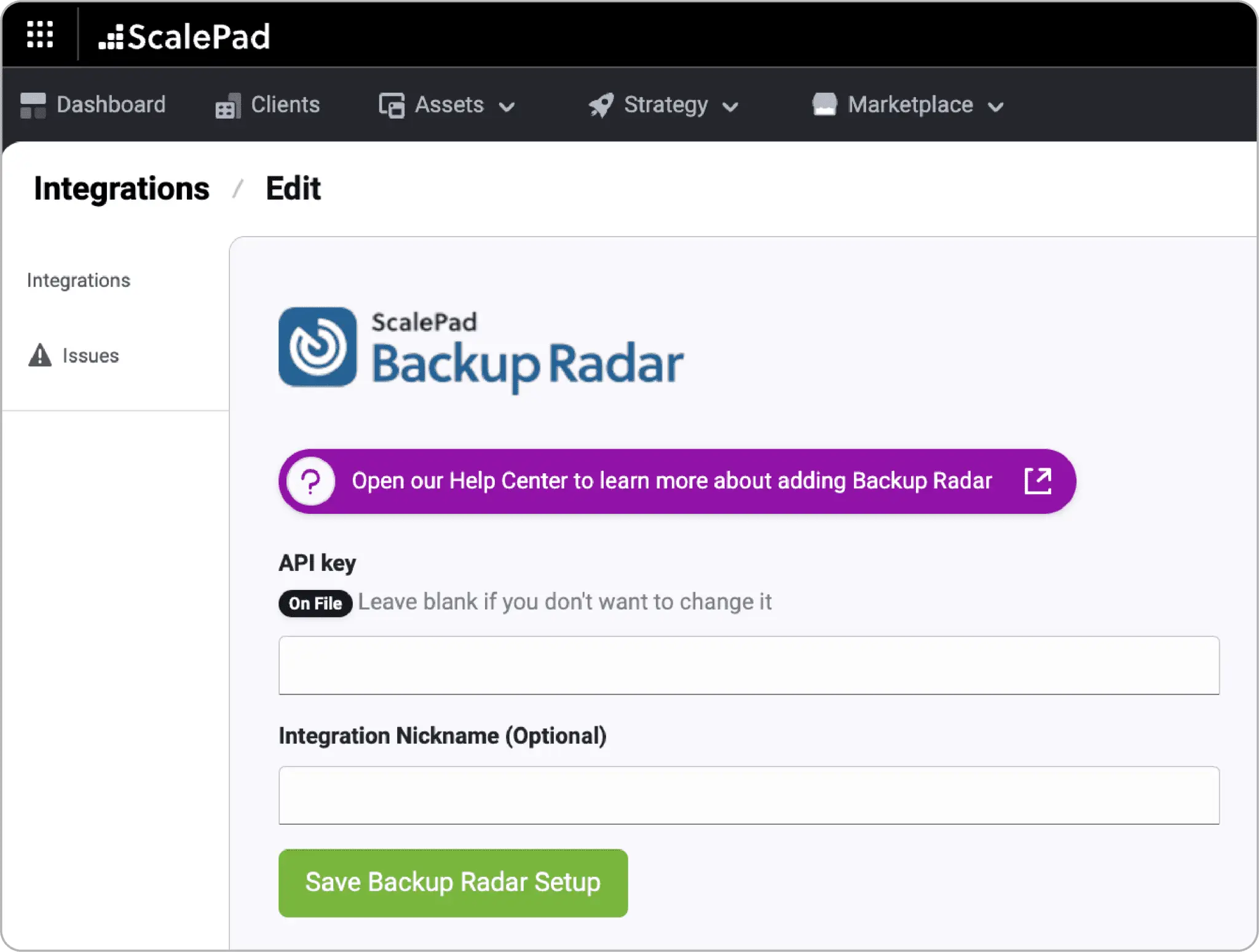
See backup monitoring context where roadmap and client review conversations happen.
Spot devices without backup monitoring coverage, not just backup job results.
Identify backup gaps during onboarding and ongoing client service reviews.
Backup Radar + ControlMap
Automatically flow backup evidence from Backup Radar into ControlMap so backup controls can stay mapped, current, and audit-ready.
Coming Soon
This workflow scenario is being prepared for release. Details may evolve as the connected experience moves closer to launch.
ControlMap and Backup Radar connect backup oversight with compliance execution by automatically flowing backup evidence from Backup Radar into ControlMap.
Backup controls are required across major compliance frameworks, and Backup Radar already holds the operational proof. ControlMap turns that proof into mapped, auditor-friendly evidence for frameworks such as CIS Controls, ISO 27001, SOC 2, CMMC, and NIST CSF.

Backup Radar
Backup SLA & Compliance

ControlMap
Compliance, vCISO & GRC
These workflows connect ScalePad products around a shared client outcome, so planning, operations, sales, and compliance teams can act from the same context.
Pull backup evidence from Backup Radar into ControlMap without manual exports.
Connect backup proof to framework objectives across multiple compliance programs.
Use continuously current evidence instead of screenshots and one-off reports.
Next Step
Review the product story, browse related integrations, or map the handoff with the team that owns the next action.