
Quoter integration
TD Synnex
Quoter + TD SYNNEX
Quoter integrates with TD SYNNEX for access to real-time pricing and availability of products using your reseller account. Link multiple distributor accounts.
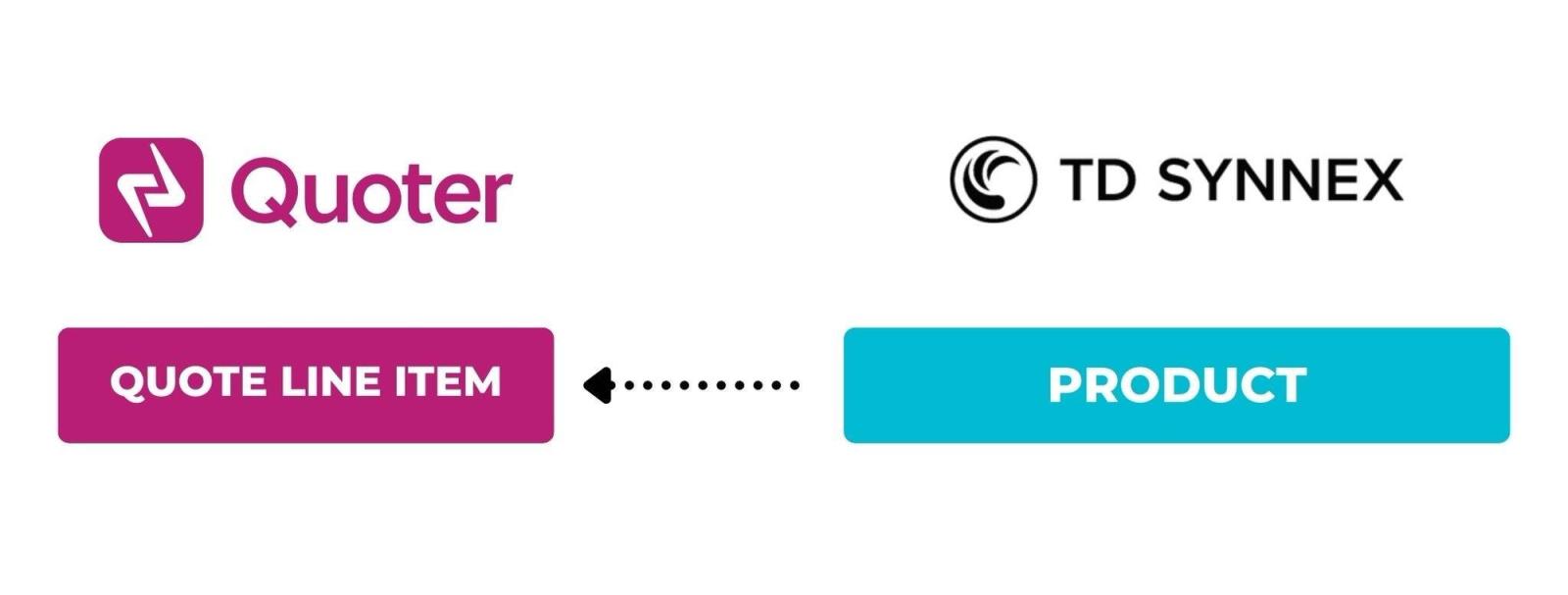
Quoter integrates with TD SYNNEX to provide easy access to real-time pricing and availability of products using your reseller account.
TD SYNNEX is a leading global distributor of technology products, services, and solutions, formed by the merger of Tech Data and SYNNEX Corporation. It provides IT hardware, software, and cloud services to resellers, system integrators, and service providers. TD SYNNEX supports digital transformation with logistics, business support, and a vast portfolio of advanced technology solutions.
Legacy integration content
What is TD SYNNEX?
TD SYNNEX is a leading global distributor of technology products, services, and solutions, formed by the merger of Tech Data and SYNNEX Corporation. It provides IT hardware, software, and cloud services to resellers, system integrators, and service providers. TD SYNNEX supports digital transformation with logistics, business support, and a vast portfolio of advanced technology solutions.
Quoter integrates with TD SYNNEX.
Why Quoter + TD SYNNEX?
Integrating Quoter with your TD SYNNEX account enables a more seamless, automated, and error-free quoting process, leading to improved productivity, more accurate pricing, and better overall service delivery.
Search and Add Products to a Quote After selecting a Product from TD SYNNEX, you can enter its sell price and/or modify any of the details prior to adding it to your Quote.
Real-time Pricing and Availability Integrate multiple distributors to ensure the selected product is in stock and at the best price.
Automatic Pricing Updates Our system will check and provide prompts on any changes to pricing and/or availability of quoted hardware.
How to integrate TD SYNNEX + Quoter?
In your Quoter Account, navigate to Settings > Integrations > + New Integration, where you'll be directed to the Select Integration page (if you do not already have an integration connected, you will not see the + New Integration button and will instead be shown the Select Integration page when navigating to Settings > Integrations ).
Follow the step-by-step guide below: