Assessment Results:
Compare current performance with the previous quarter to show the improvements you are making.

Phase 4
Use business reviews and outcome-based reporting to prove the value clients are getting.
Clients are on board with the plan. Now the job is to deliver the work, show results, and make sure the value is visible in language they care about.
Business Reviews with clients are key to Customer Success. These recurring meetings help you stay up to date on changes to your client's business and let you show them the progress you have made on projects or goals.
Not every client needs the same type of review. You should meet with all clients at regular intervals, but the depth of detail and focus should change based on client segment.
Transform
Segment A - High Maturity, High Appetite
Modernize
Segment B - Low Maturity, High Appetite
Educate
Segment C - High Maturity, Low Appetite
Sustain
Segment D - Low Maturity, Low Appetite
Before your meeting, get up to speed on the state of the customer's account, including goals, recent interactions, project status, and open tasks. Business Reviews focus on strategy, but recent wins or issues show your client you are on top of things.
Compare current performance with the previous quarter to show the improvements you are making.
Review plans for the year ahead to stay aligned on mid- and long-term goals.
Remind clients where the budget is going now and what spend is coming up soon.
Bring accurate quotes, not estimates, for faster approvals on new spending.
Only bring these if they support an upcoming or new recommendation.
Have notes, tickets, and incident reports on hand. If the client asks about past issues, you will want to speak to them confidently.
Preparing a clear agenda keeps things on track during your meeting. It should help you revisit goals, review progress, flag risks, and agree on next steps.
Ask if there is anything new with their business, such as team changes, new locations, or shifting priorities.
Communicate wins and progress on projects. Focus on the impact, not just the task.
DO NOT say "We replaced 8 old workstations."
DO say "We saved 112 hours of employee time this year by speeding up load times, supporting your goal of boosting team efficiency."
Review Assessments, progress, remediation recommendations, Roadmap priorities, and budgets for the next quarter so clients are not surprised.
Save time for the client to share thoughts about their service experience, concerns, or questions.
Confirm action items and next steps. Then schedule the next business review so it is on the calendar.
Clients will not notice the impact you are having unless you point it out to them. Tracking your progress and sharing regular updates helps them see the value you are delivering.
Here are some milestones and data points to consider sharing with clients:
Let's say a client recently started collecting personal information from their customers. Rather than just saying your work is complete, you could show your value by saying:
Sharing key data regularly helps clients more clearly see the value you are providing. Tailor reporting to their goals and avoid overwhelming them with metrics they do not care about.
Customer feedback tells a story too. Use CSAT scores and feedback to show the impact of your work, or to acknowledge where you are taking action.
Segment C - High Maturity, Low Appetite
Set bi-annual reviews focused on maintenance, automation, and low-risk upgrades. Reports should capture ROI, cross-functional metrics, and project status. Present them in a meeting or share asynchronously with a summary.
Segment A - High Maturity, High Appetite
Set monthly reviews focused on Roadmaps, OKRs, innovation, and business alignment with executive sponsors. Reports should be comprehensive and reflect long-term OKRs, innovation themes, and AI readiness.
Segment D - Low Maturity, Low Appetite
Meet as needed to review basic service health, renewals, and support issues. Reports should focus on infrastructure visibility and tactical operations, including ticket volumes, asset health, and backups.
Segment B - Low Maturity, High Appetite
Set quarterly reviews focused on foundation-building tasks and quick wins. Reporting should showcase stack trends, risks, tool adoption, and alignment gaps. Updates can be sent by email or through a client portal.
Lifecycle Manager
Now that you know how to grow client accounts more strategically, it is time to explore the all-in-one platform built to scale your Customer Success practice.
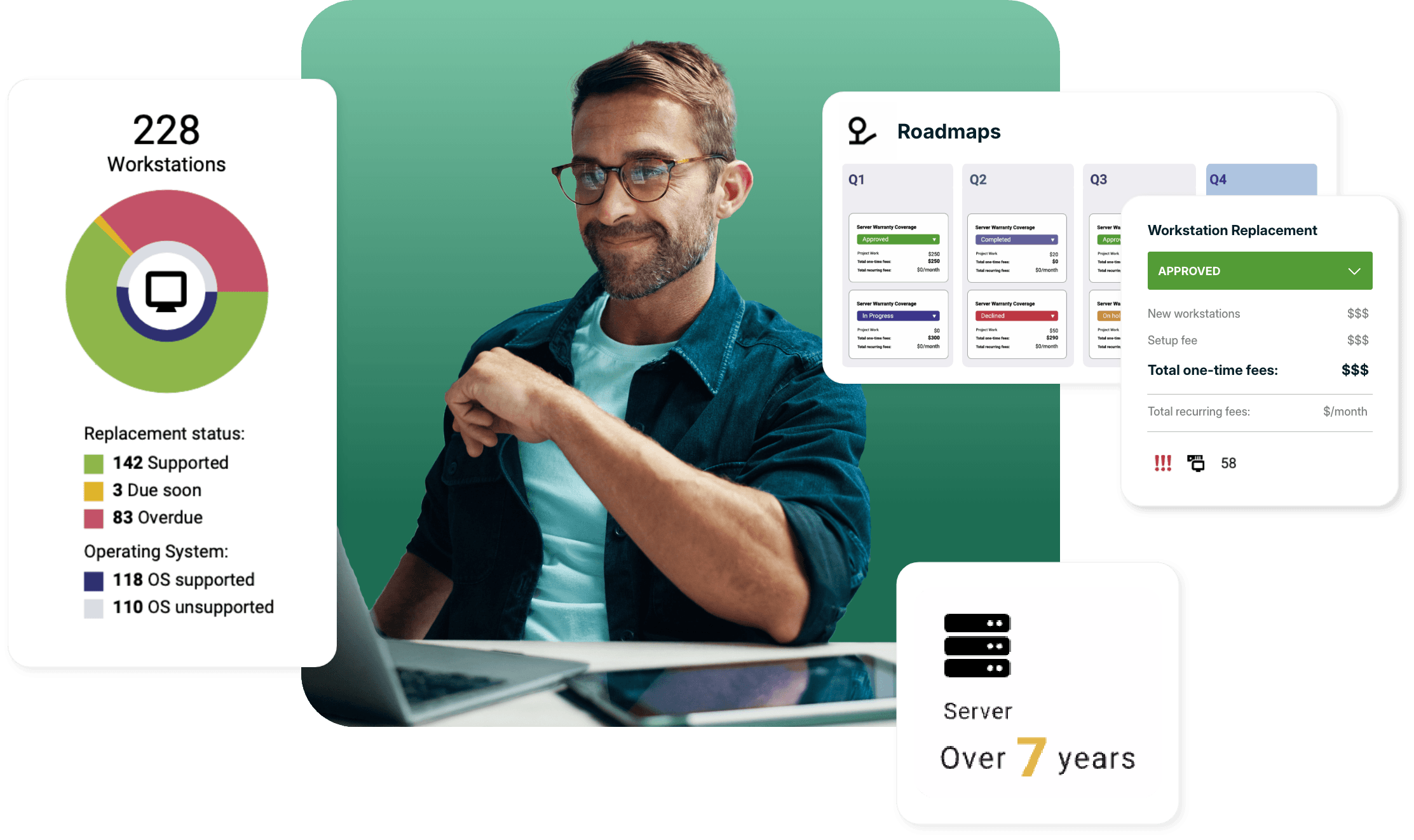
Lifecycle Manager brings client insights, IT assets, initiatives, reporting, and collaboration into one place so MSPs can standardize QBRs, track outcomes, and uncover new opportunities.
Lifecycle Manager
Lifecycle Manager brings client insights, IT assets, initiatives, reporting, and collaboration into one place so MSPs can standardize QBRs and uncover new opportunities.