

Protecting Your MSP: Smarter Backup Management Strategies
Backup failures can be disastrous for MSPs, leading to data loss, client churn, and reputational damage. To stay ahead, MSPs must take a proactive approach to backup verification, automation, and efficiency.
Key strategies include
- Verifying backups—Regular testing ensures data recovery works when needed.
- Reducing manual effort—Automated monitoring saves time and minimizes errors.
- Improving client trust—Reliable backups free up time to focus on service quality.
By streamlining backup management, MSPs can strengthen security, improve efficiency, and deliver better client experiences.
If there’s anything that keeps an MSP up at night, it's the idea of a backup failing when you need it most.
Unfortunately for some MSPs, that nightmare has become a reality. They’ve had to deal with the consequences: lost data, lost clients, damaged reputations, fines, and even legal repercussions.
Despite backups being a core tenant of the MSP service, they can be tricky to manage — important data can fall through the cracks.
That’s why MSPs are taking increased action in backup management. The additional focus is vital to keeping every part of your operation secure. This structured approach to backups lets your MSP operate with confidence while also proving to clients that they can trust you.
But how exactly are MSPs taking steps to save their MSP and prevent future harm? Let’s explore the strategies that MSPs use to create a more secure business.
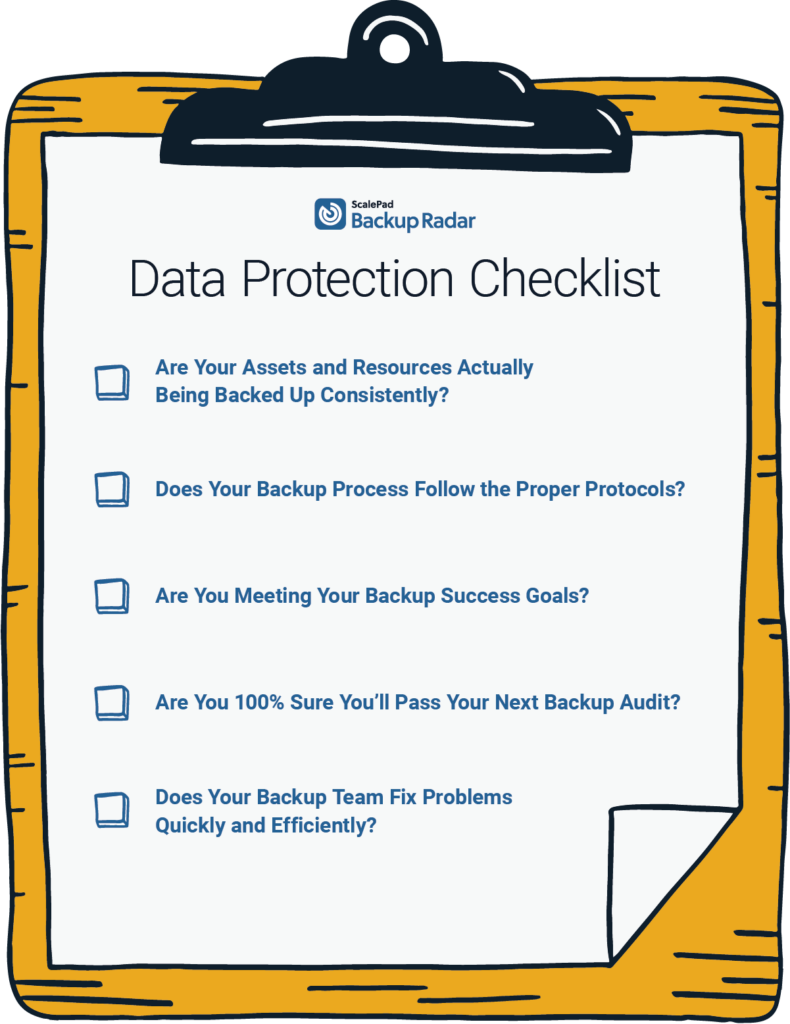
Download ScalePad’s Data Protection Checklist here to measure your MSP on these metrics.
Verify your backups work
While MSPs maintain their clients' backups and monitor for failure, the process can go wrong at several points.
Some of the biggest problems MSPs face are backups that don’t generate a failure notification. If a backup doesn’t attempt to run, no error message is created, and it won’t be visible to the person monitoring. This “no result” backup can be devastating — but you won’t even know there’s a problem!
That’s why it’s so important to verify that backups actually work as designed. Regular backup testing to make sure data can be recovered properly is a key part of ensuring data security.
Reducing staff time wasted on backups
Having a staff member spend hours each week reviewing the backups to ensure everything is operating properly is time-consuming and expensive. While human error is always possible, even the most diligent MSP staff may be unable to catch problems hidden below the surface.
Backup monitoring software allows MSPs to cut down on the time it takes to go through their clients' backups.
For MicroAge Swift Current, they were able to save 10 hours a week after switching to Backup Radar for their backup monitoring software.
Because backups are often tracked through email notifications and spreadsheets, it can be very time-consuming.
Carol Beyer, Service Coordinator at MicroAge, said backup status reviews have dropped from 2 hours per day to minutes. When MicroAge found Backup Radar, the value in completely automating that process was obvious.

Meeting Backup success goals
Part of building efficiency into your process is having extra time to devote to other parts of your business. If your backups are secure, tested, and accurate, you can spend more time with clients.
James Ratcliff, Managing Director of Ratcliff IT, has leveraged the time and efficiency gains to improve client relationships.
Conclusion
Even though MSPs know that backups are the foundation of their business, running a basic backup service isn’t enough. Efficiency through backups is the key to getting the most out of your business.
Testing, monitoring, saving time, and tracking progress are all crucial to an MSP's backup service and are proven ways to improve your business.